

Open Menu Abelssoft Logo Shopping Bag
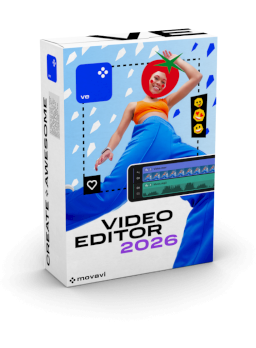
Movavi Video Editor
Already 17 Downloads

Movavi Video Editor

Cutting and editing videos—it's never been easier.
red-check-circle
Boost your videos with rad transitions, titles, and intros.
red-check-circle
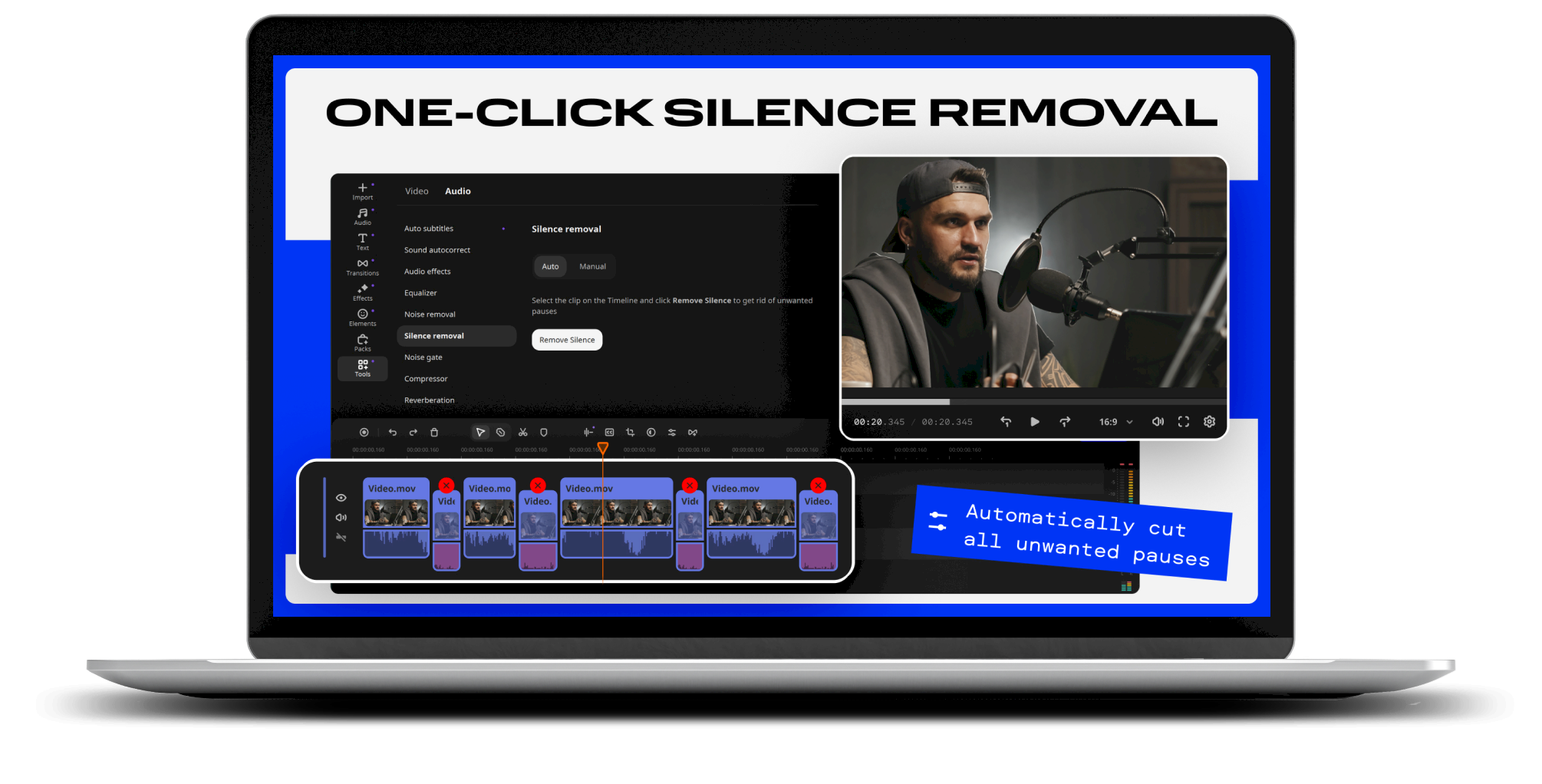
Speed up editing with one-click silence removal and rapid effect copying.
red-check-circle
Power up your clips with AI: add subtitles, denoise sound, and swap out backgrounds.
red-check-circle
Amp up your videos with color correction and highlight effects.
red-check-circle
Save at high speed and get ready to collect those likes.

€43.90

Version
Version: 2026 (v2026.1)

Windows 11, Windows 10, Windows 8.1, Windows 8, Windows 7

openerServices.immediateUse
Immediate use after purchase
openerServices.freeSupport
Free Support
openerServices.madeInGermany
Made in Germany

Overview of all functions

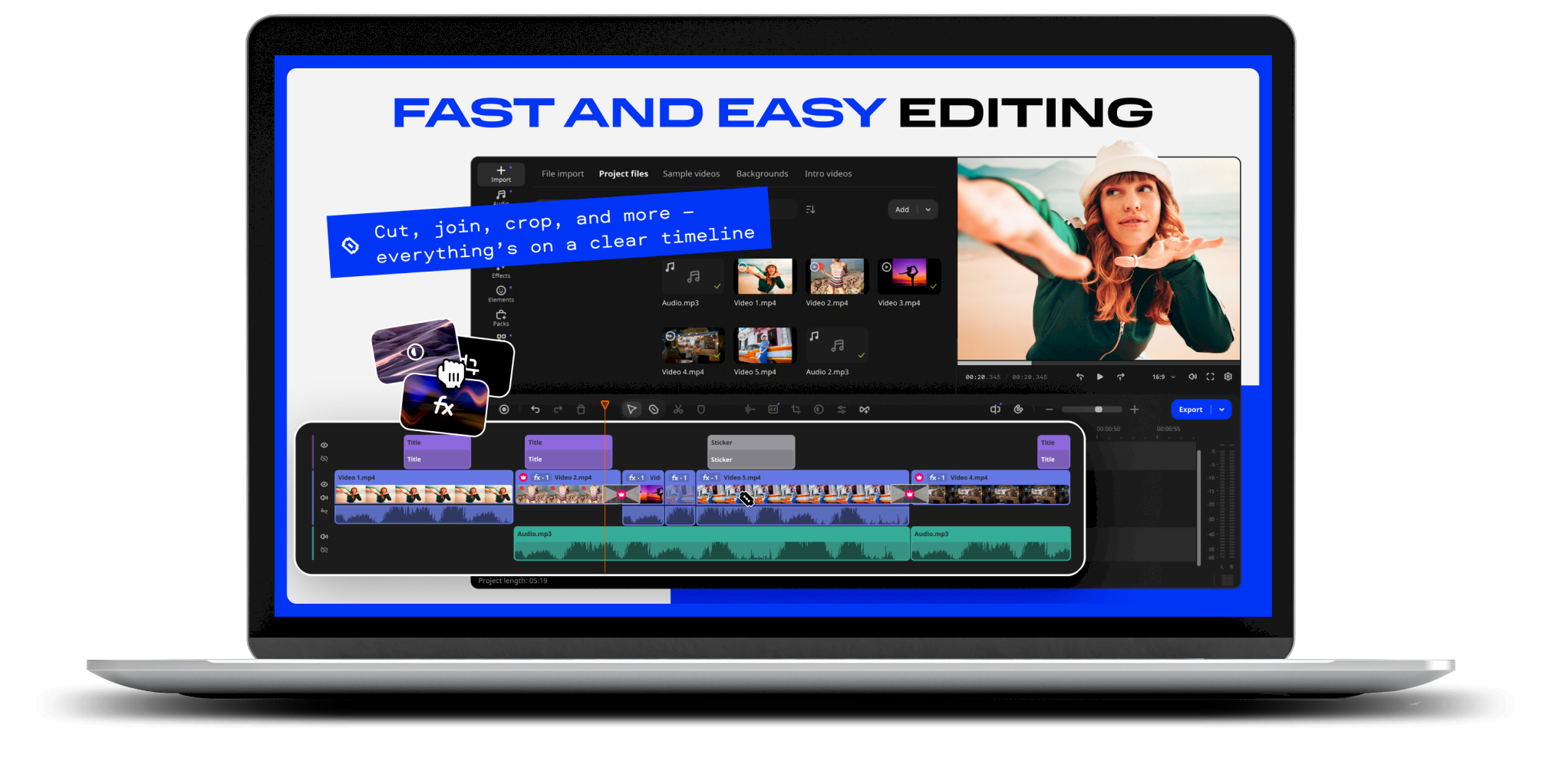
Easy video editing

Easy video editing

Edit faster with automatic tools: remove silences, add stylish subtitles, clean audio, fix colors, and apply effects across clips in seconds, no tedious manual work.

AI-Powered Editing Tools

AI-Powered Editing Tools

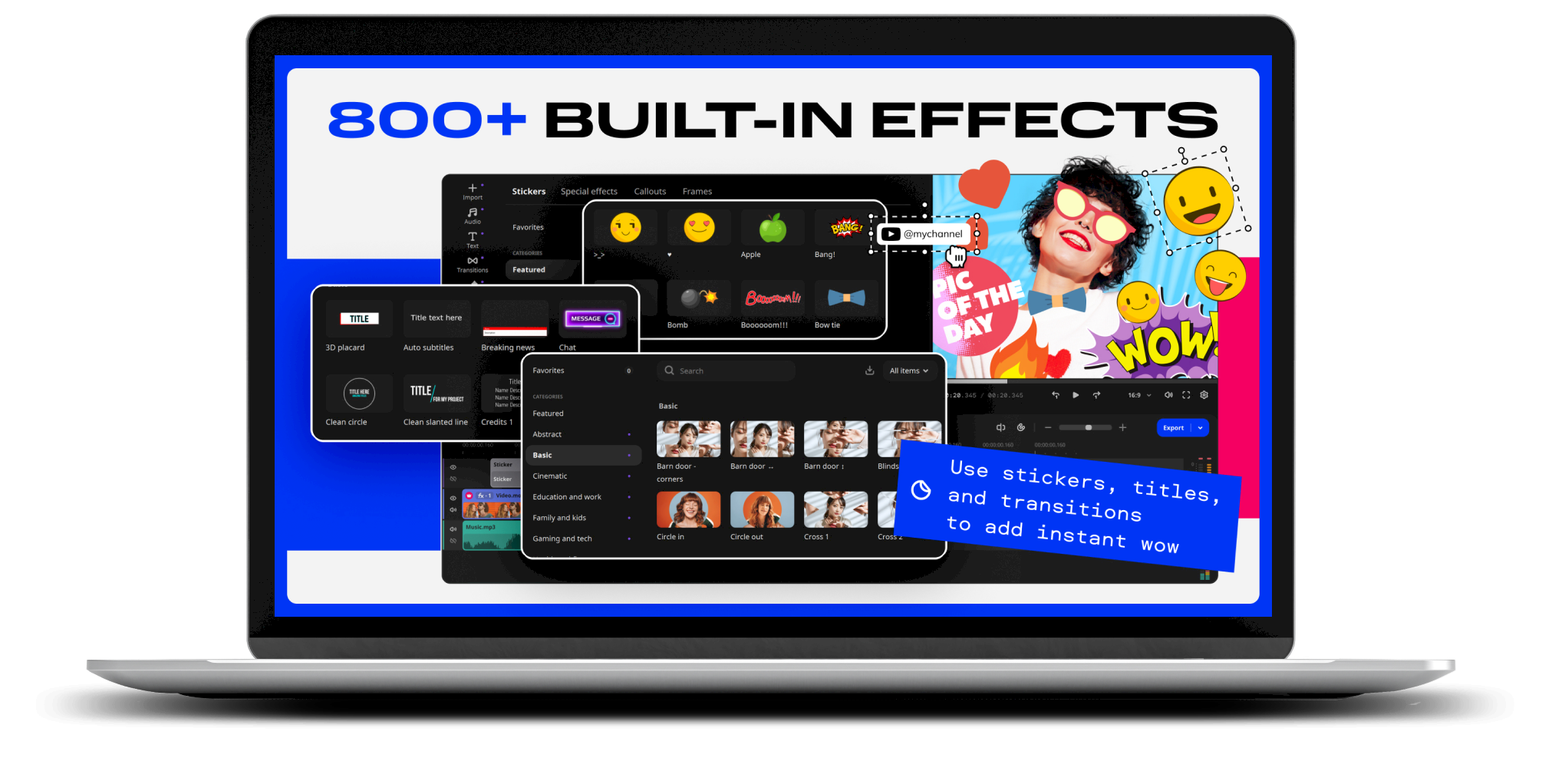
Enhance reality in your videos with additional moving graphics. Just click, and AI will quickly attach any photos, videos, emojis, or memes to objects in your footage.

Next-level color
grading

Next-level color
grading

Stylize videos with lookup tables (LUTs) to make them more vivid, boost colors with Magic Enhance, and apply eye-catching filters and atmospheric overlays with 13 blending modes.

Advanced Editing Tools

Advanced Editing Tools

For more creative control: automatic subtitles, AI background removal, motion graphics, silence removal, picture-in-picture, speed control, and cinematic effects - no technical skills needed.

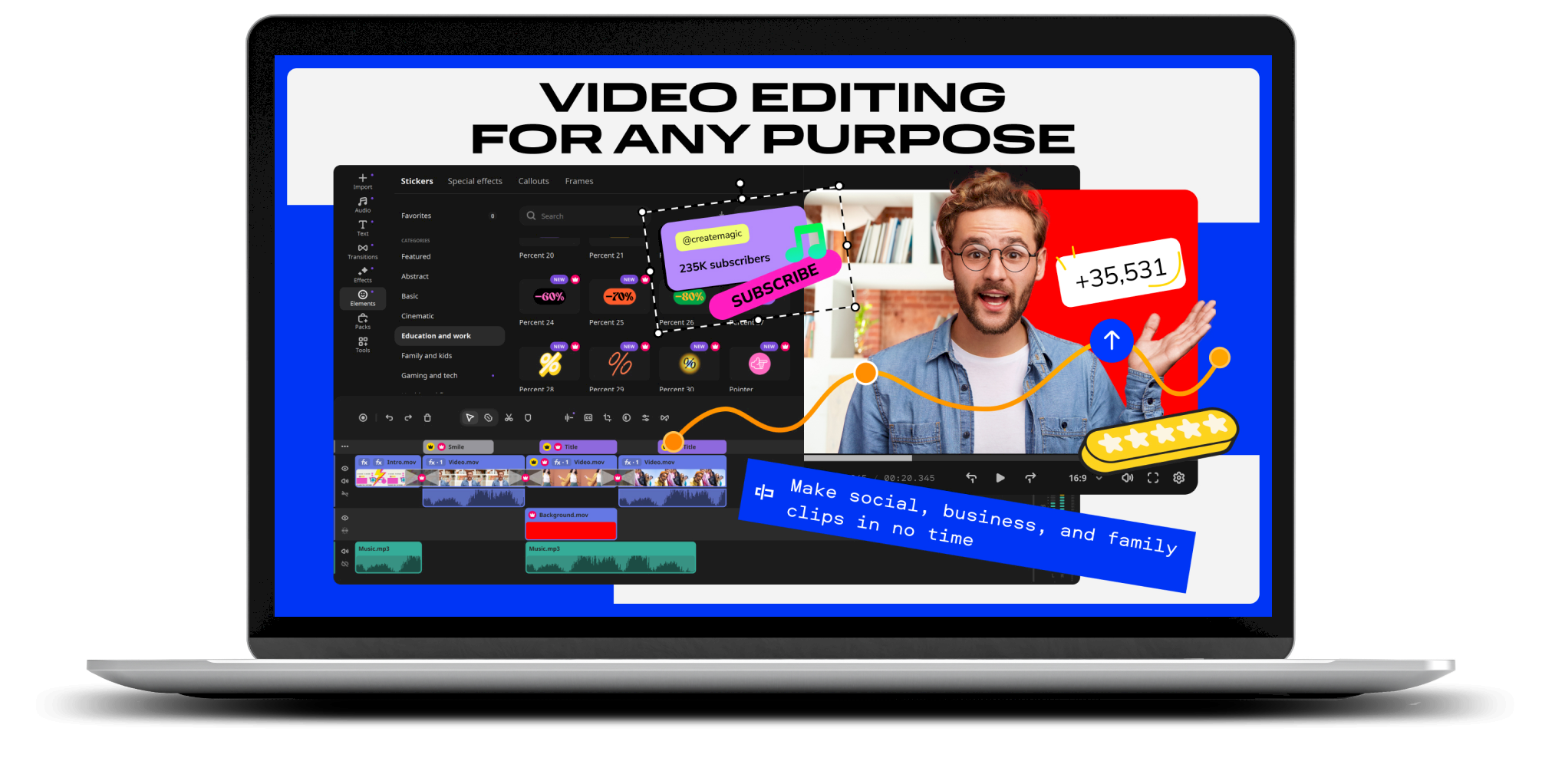
Create killer videos
in a snap

Create killer videos
in a snap

Make stunning vlogs, social clips, business videos, and family movies with auto subtitles, drag-and-drop effects, polished sound, and one-click AI tools.

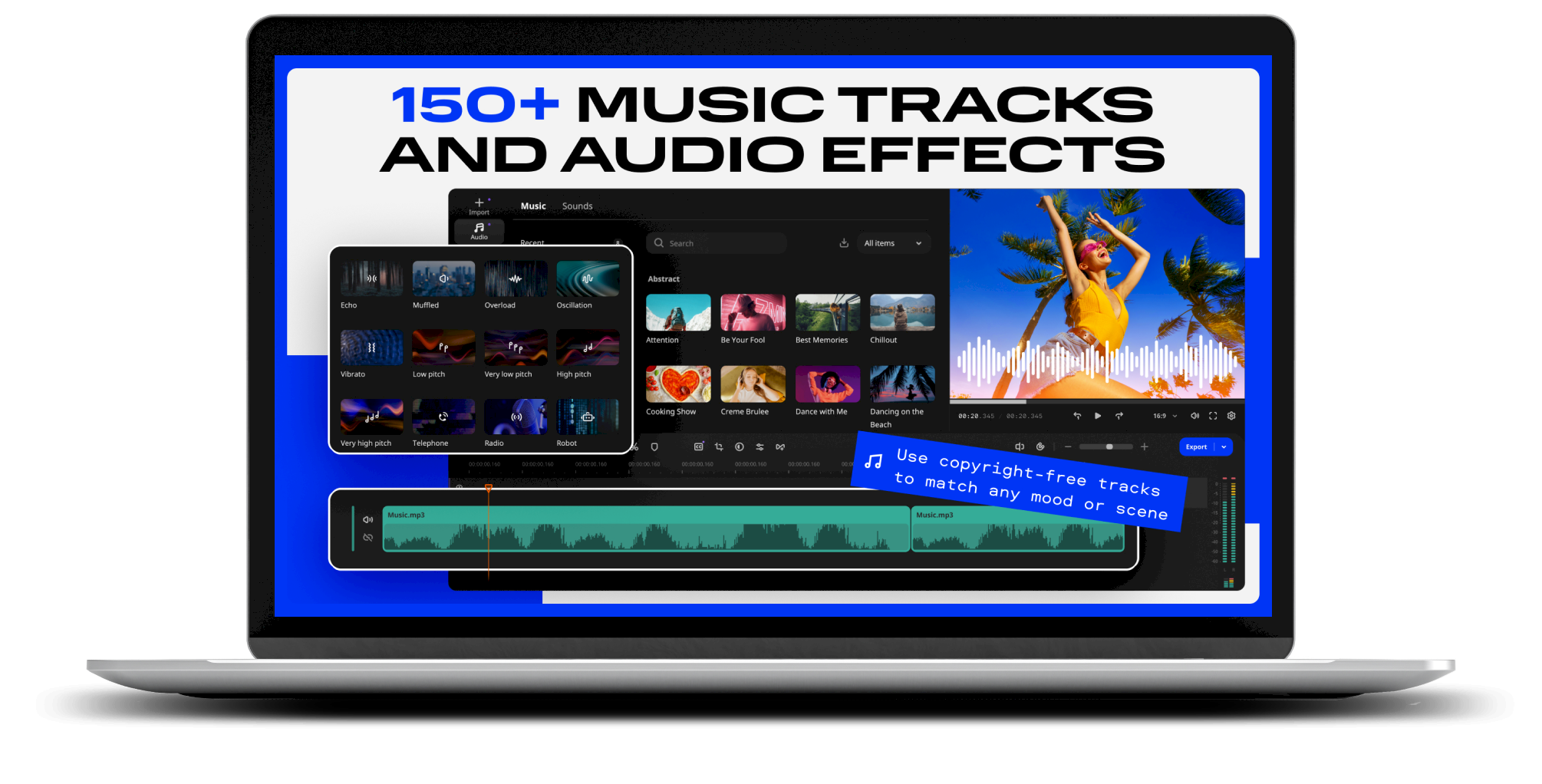
Audio tools for better sound

Audio tools for better sound

Automatically remove car, wind, and other noise with AI, add immersive sound effects, and experiment with audio presets like radio, echo, and robot for clearer, richer videos..

Export & Share
Anywhere

Export & Share
Anywhere

Choose from popular video and audio formats, then upload finished clips directly to YouTube, Vimeo, TikTok, or Google Drive directly from within the program.

Edit videos faster with smart tools
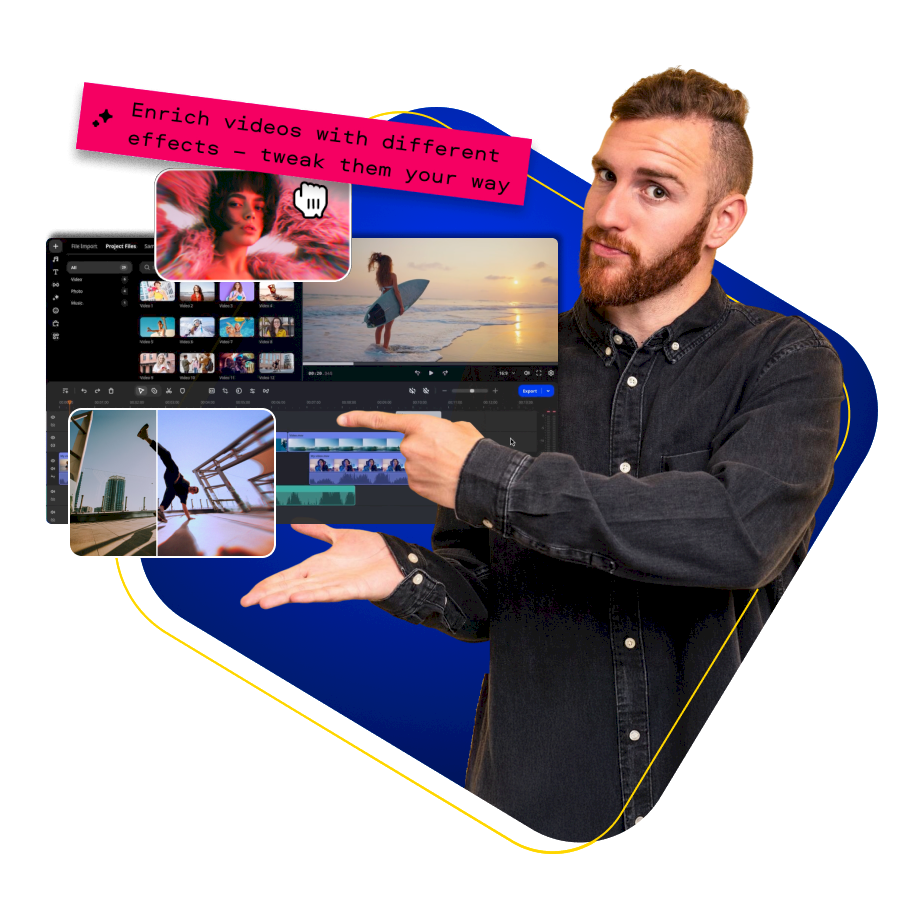
Create impressive videos in minutes with an intuitive editor built for speed. Cut, crop, rotate, and combine clips effortlessly, then enhance them with transitions, filters, titles, and stickers. Smart automation and AI tools take care of repetitive tasks, so you can focus on telling your story and sharing it instantly on social platforms.
Edit videos faster with smart tools

AI-powered effects for stunning results
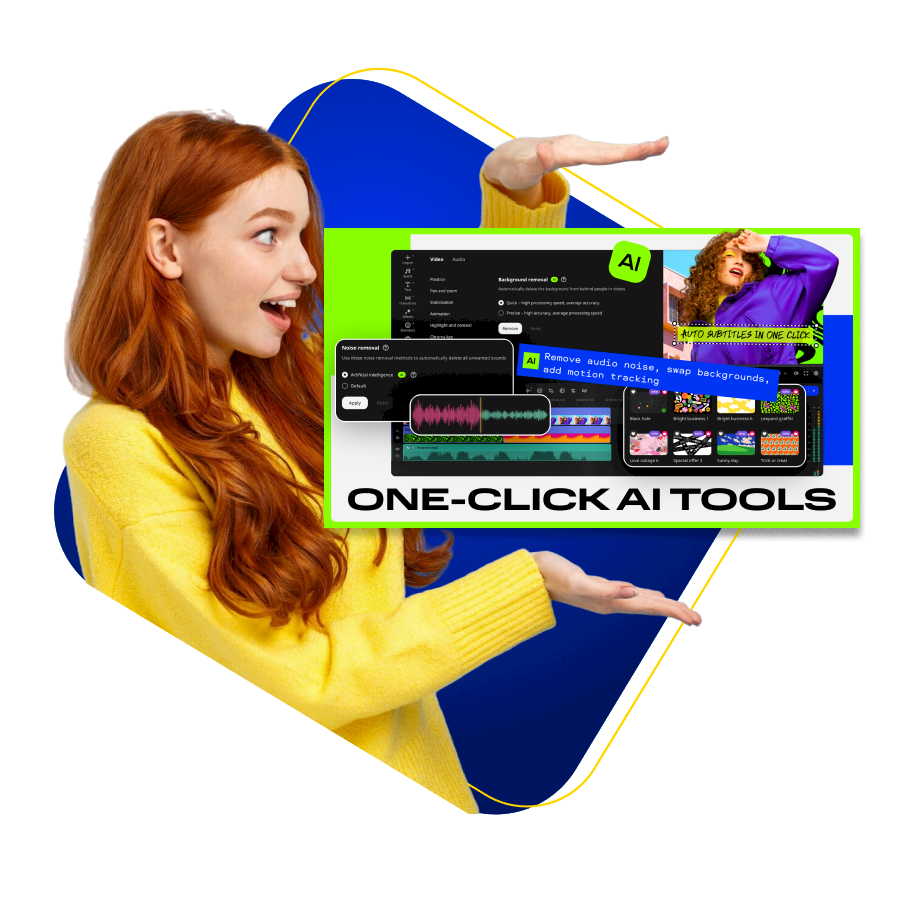
Let AI do the heavy lifting. Automatically remove silences, generate subtitles in one click, clean up audio, enhance colors, or remove backgrounds without a green screen. Add moving graphics, captions, and stylish effects with simple drag-and-drop tools to create videos that look professional and engaging.
AI-powered effects for stunning results

Create, polish, and share without limits
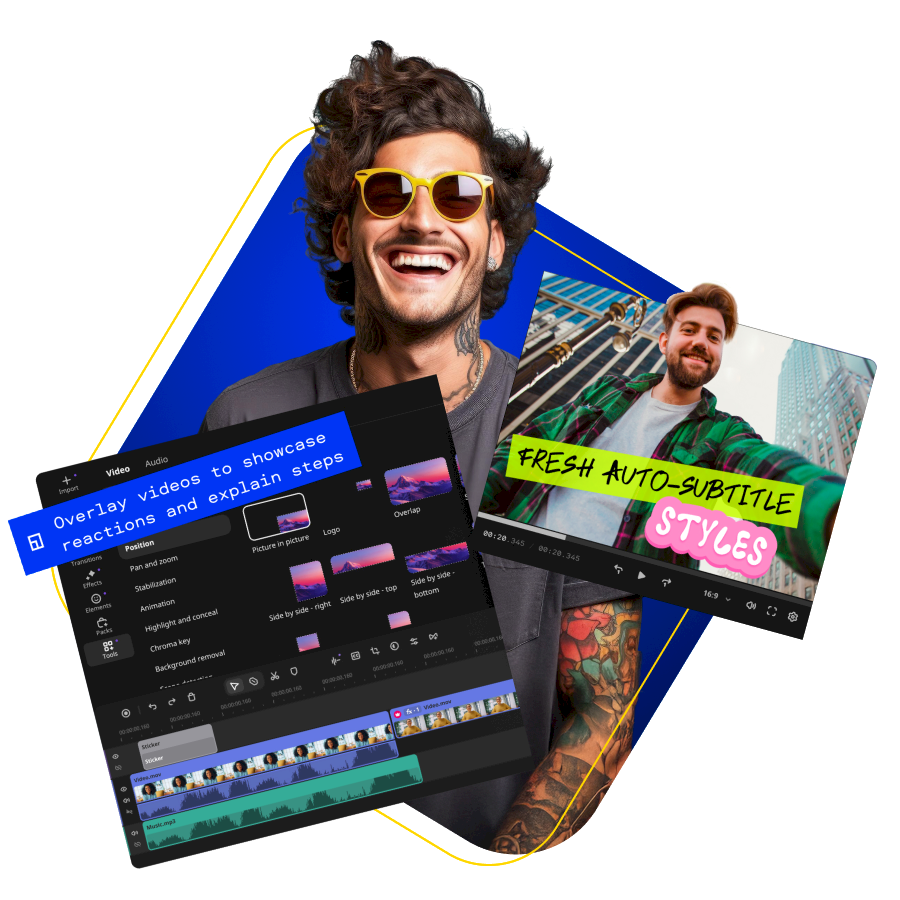
Import footage from any device, preview effects on hover, and fine-tune your edits on a smooth, modern timeline. Copy effects between clips, adjust colors and sound in seconds, and export in popular formats or upload directly to YouTube, TikTok, Vimeo, or Google Drive — all with just a few clicks.
Create, polish, and share without limits

Frequently asked questions

Which video and audio formats does Movavi Video Editor support?dropdown icon

Movavi Video Editor supports common video and audio formats such as MP4, AVI, MOV, MKV, MP3, and WAV. This allows you to edit your videos flexibly and save them for different devices and platforms.

Can I create social media videos with Movavi Video Editor?dropdown icon

Yes. With Movavi Video Editor, you can edit videos specifically for YouTube, TikTok, Instagram, or Vimeo and export them directly from the program in the appropriate format.

What features does Movavi Video Editor offer?dropdown icon

Movavi Video Editor includes video cutting, effects and filters, automatic subtitles, AI-powered background removal, audio enhancement, and direct export to YouTube, TikTok, and other platforms.

Is Movavi Video Editor suitable for beginners?dropdown icon

Yes. Movavi Video Editor is designed to be easy to use. Thanks to its clear interface, drag-and-drop features, and automatic tools, you can achieve great results even without technical knowledge.

Subscribe now

Subscribe to our free newsletter now and benefit from exclusive offer.
We respect your privacy, so we never share your information.

You might like these too

Previous Next
Recordify BoxShot
Recordify
Download and save music from streaming services as file with a simple click.
From €19.95
Info
YouTube Song Downloader BoxShot
YouTube Song Downloader
All of the music on YouTube - downloaded to your computer with a single click!
From €29.95
Info
WashAndGo BoxShot
WashAndGo
The No. 1 PC cleaner: removes junk data quickly and safely
From €29.95
Info
SSD Fresh BoxShot
SSD Fresh
Extend the life of your SSD with just one click.
From €29.95
Info
PC Fresh BoxShot
PC Fresh
Gets the most out of your PC and makes it blazing fast.
From €29.95
Info
EverDoc BoxShot
EverDoc
A digital document archiver that puts everything within arm’s reach.
From €29.95
Info
AntiBrowserSpy BoxShot
AntiBrowserSpy
Turns off spying & tracking on the internet.
From €29.95
Info

Your Benefits

support
Free Trials
security
Secure Shopping
file_download
Download Now
computer
Free E-Mail Support