


Ashampoo Snap 17




Overview of all functions

Screen Capture
Grab your entire screen, windows, custom areas – even scrolling content – in just a click.

Video Recording
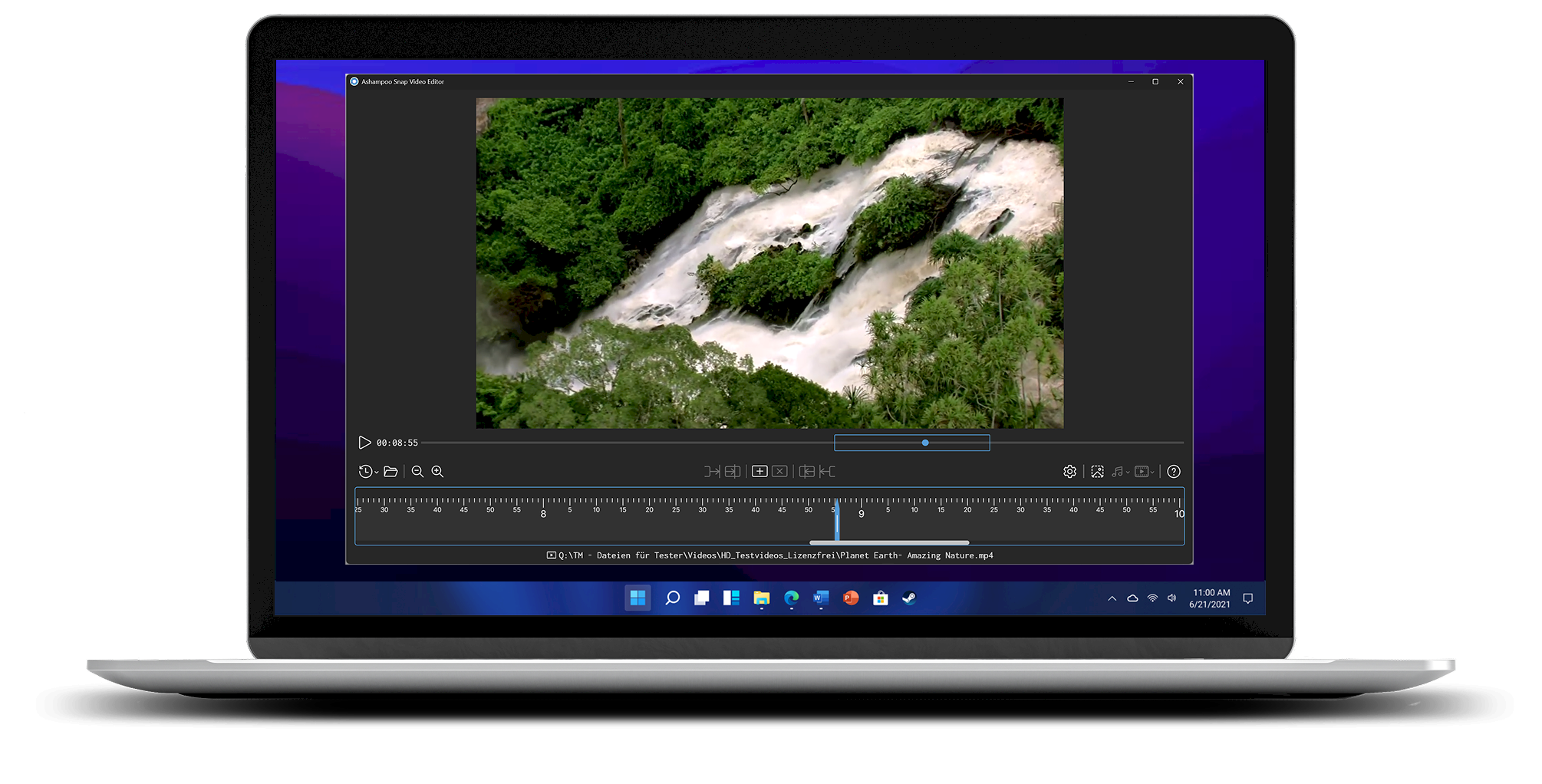
Record screen activity with audio, mouse movements, and keystrokes – perfect for tutorials.

Built-In Editor
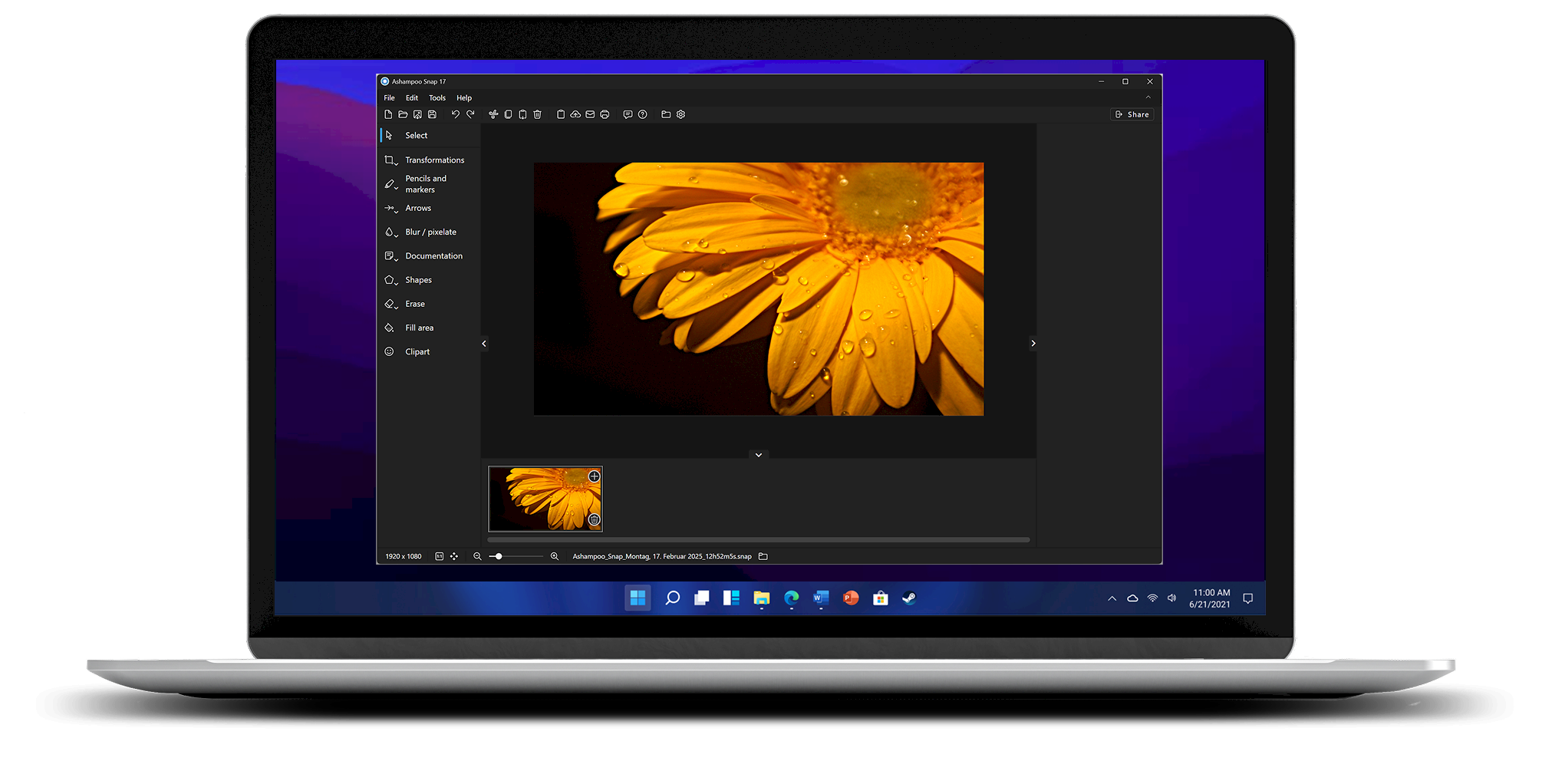
Add text, arrows, highlights, blur effects, and more right after capturing.

Export & Share
Save as MP4, GIF, or image files – or share directly via email or cloud.

Scrolling Capture
Capture full websites or documents using smart scrolling tech.

New Video Editor
Edit videos quickly and easily with an improved interface and faster performance.

Quick Access Bar
Access your most-used features instantly – no more searching through menus.

Lightweight & Fast
Snap 17 runs efficiently, even on older PCs, with faster startup and low system usage.
A first look

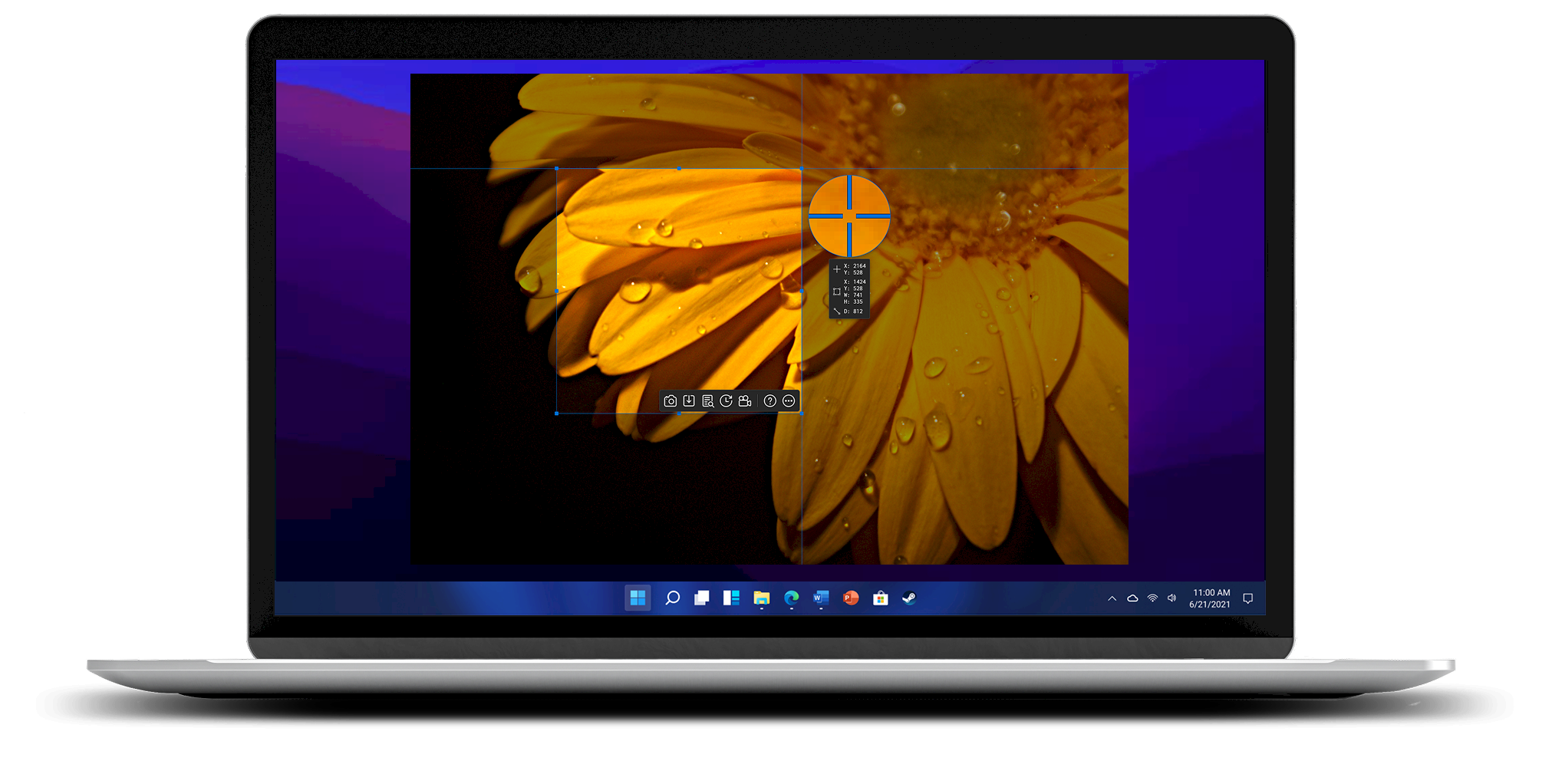
Screenshot Like a Pro

Smarter Screen Recording
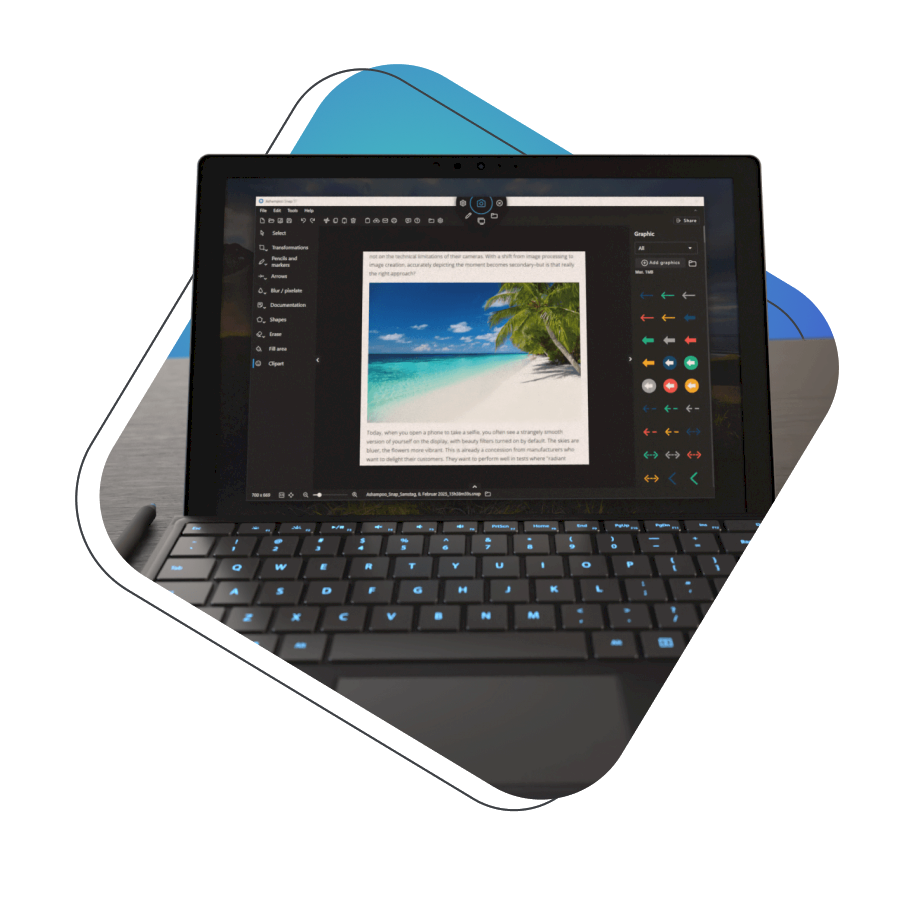
Edit and Share Instantly
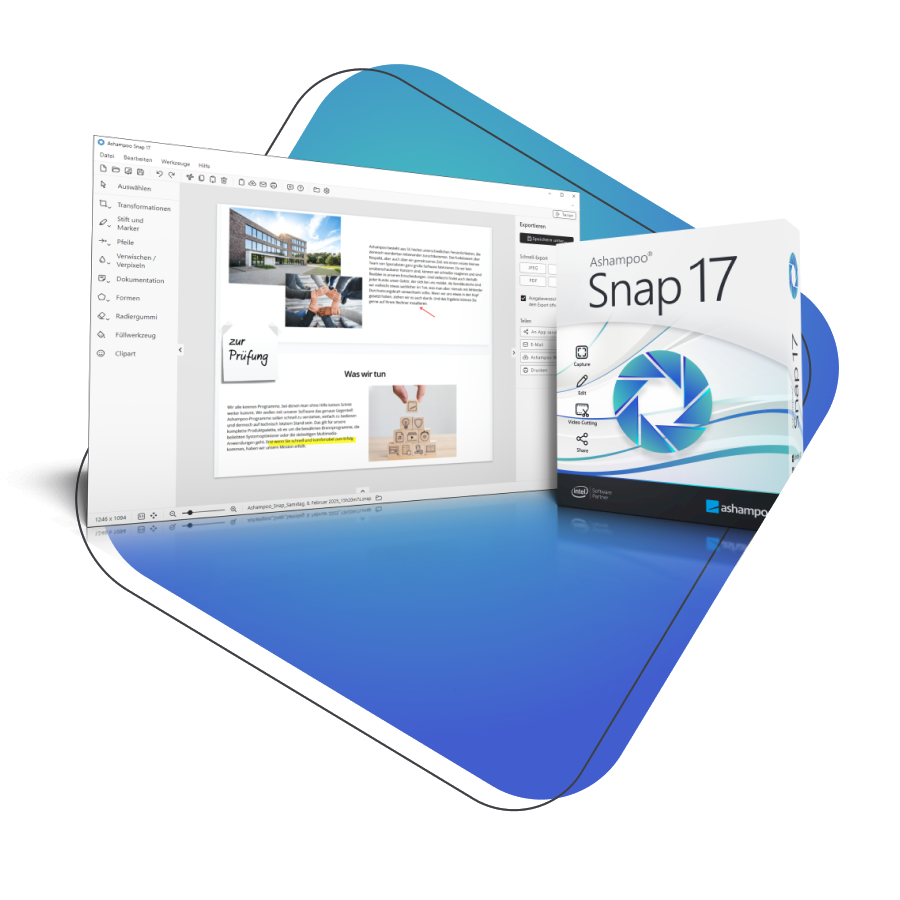
Your advantages in the Full Version

We are happy to help
Free email support.

100% ad-free
No annoying ads in your program.
Trial Version limitations
Frequently asked questions
What formats can I export to?
Export your work as MP4 video, GIF, PNG image, or audio – your choice.
Will it run on my older PC?
Yes, Snap 17 is optimized for performance and works well even on older hardware.
Can I edit my captures?
Absolutely! Use the built-in editor to add text, shapes, blur effects, and more.
What can I capture with Snap 17?
You can capture your entire screen, selected areas, scrolling pages, and even record video with sound.
Subscribe now
You might like these too

Your Benefits


