
MP3 cutter– Fast, accurate & free of charge
 Marc Schröder
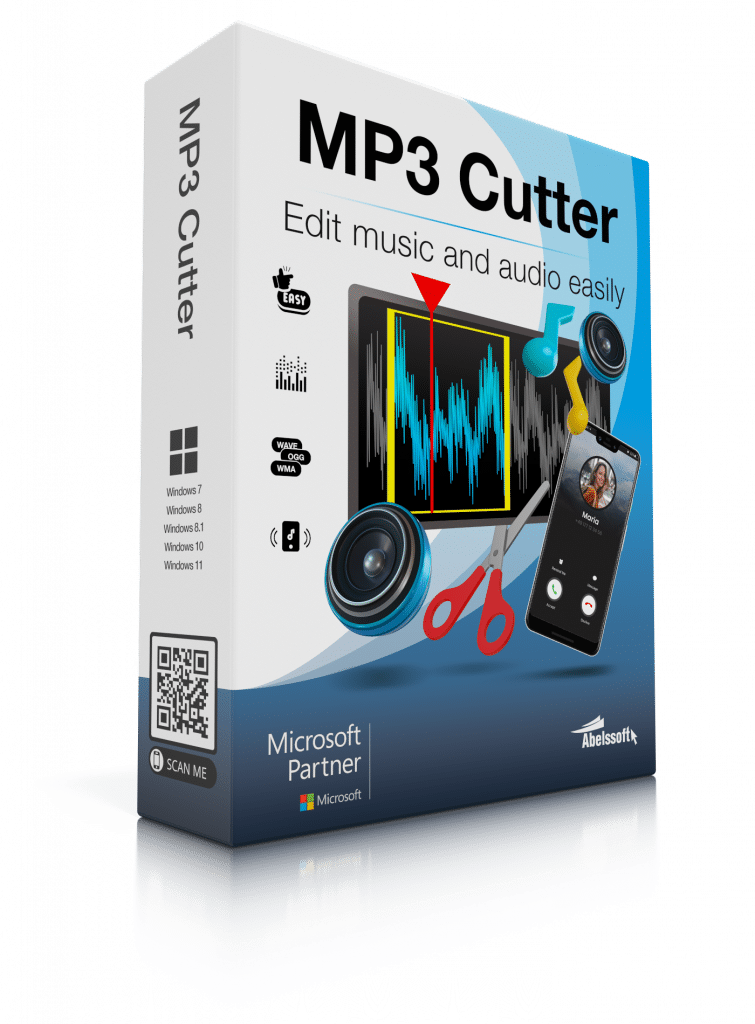
MP3 cutting means that you shorten an audio file or remove certain sections from it – for example for a ringtone, a podcast or a shortened music version. In this article, you will find out how you can edit MP3 files quickly, precisely and without loss of quality directly on your PC using the right software.
-
Precise MP3 cutting using a visual waveform
You see your audio file as a clear waveform and can set cut marks exactly where you need them. -
Remove unwanted passages with just a few clicks
Unwanted passages can be quickly marked and cleanly cut out of the MP3 file. -
Integrate fade-in and fade-out effects
Smooth transitions at the beginning or end of your file ensure a professional sound result. -
No cloud - your files remain on your PC
Your MP3 files are processed locally and do not need to be uploaded to the Internet. -
High audio quality without recompression
The original quality of your MP3 is retained as there is no unnecessary recompression. -
No file size limit
You can also edit large audio files without limits - ideal for long recordings or podcasts. -
Ideal for ringtones, music, podcasts and voice recordings
Whether for private or professional use - you can flexibly cut and adapt a wide range of audio formats.
Why should you cut an MP3 file?
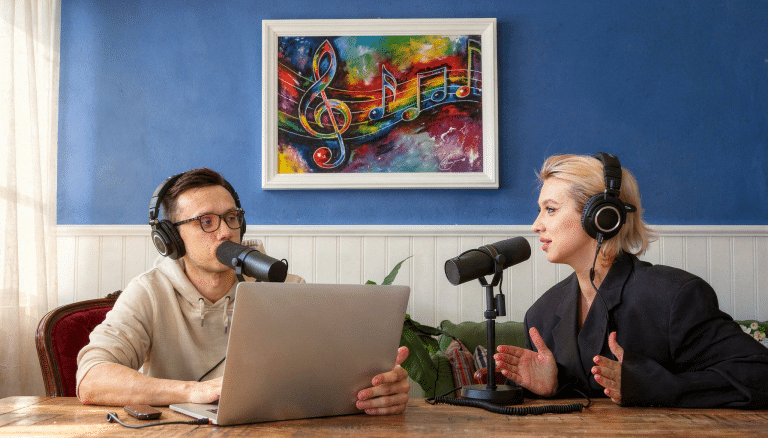
There are many situations in which you may want to cut an MP3 file:
You want to create a ringtone
You only want to save the chorus of a song
You remove annoying passages
You shorten a podcast
You edit a voice recording
You split a long recording into several files
It is often a matter of getting exactly the section you want quickly and easily.
What options are there for cutting MP3s?

Cut MP3 online
You can use an online tool to edit your MP3 file directly in your browser. However, you have to upload the file. This can take a long time for large files and is not always ideal from a data protection point of view.
Cutting MP3 files with desktop software
With desktop software, you can edit your file directly on your PC – without uploading, without size limits and with stable performance.
Why is software the best solution for MP3 cutting?
Local software offers you clear advantages:
No cloud usage
No upload waiting times
No file size limits
Stable processing
High audio quality
Data protection compliant
Especially if you want to cut MP3 files regularly, a desktop solution is the most reliable option.
MP3 cutting with Abelssoft - The simple solution for Window
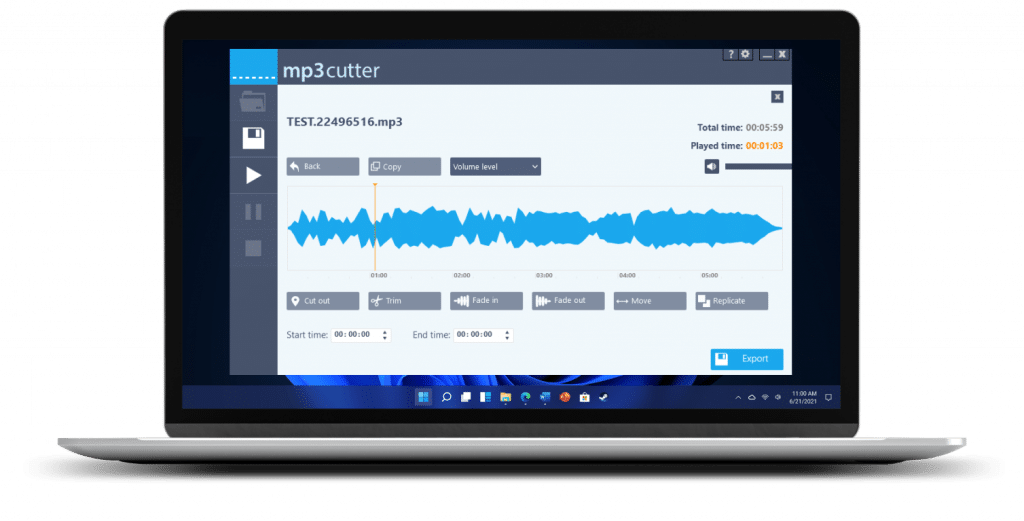
Abelssoft mp3 cutter lets you edit your audio files quickly and precisely. The software displays your file as a clear waveform so that you can see exactly where you want to cut.
Your benefits at a glance
Simple operation – even without prior knowledge
Precise cutting marks thanks to visual display
Fade-in and fade-out effects
Support for multiple audio formats
Quick installation
Optimized for Windows
You don’t need any complicated studio software – just a few clicks are enough.
Step-by-step guide: How can you cut MP3 files?
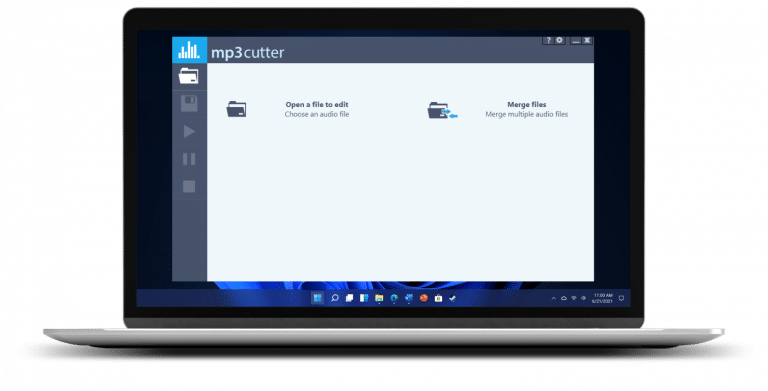
1. open MP3 file
Import your file into the program.
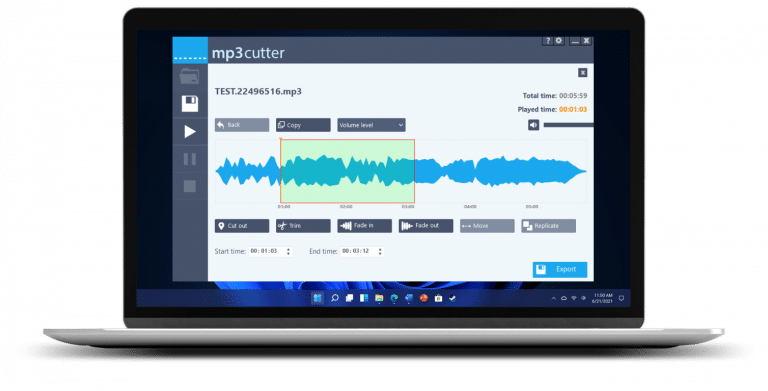
2. mark area
Select the desired section in the waveform.
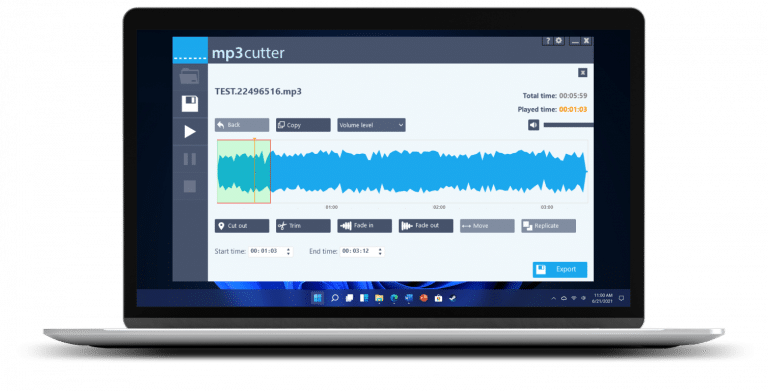
3. listen to the preview
Check your cut before saving.
4. export file
Save your edited MP3 file in the desired format.
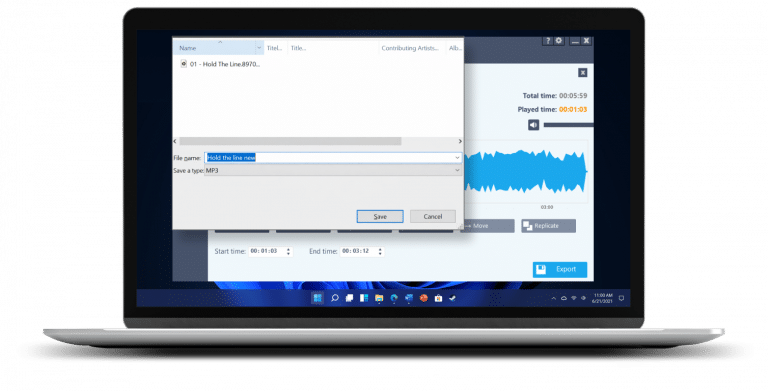
That’s it! This is how easy it is to professionally cut an MP3 file in just a few steps.
Cut MP3 without loss of quality
When cutting MP3s online, the file is often compressed again. This can impair the sound quality.
With stable desktop software, the original bit rate is retained. You avoid unnecessary loss of quality and get a clean sound result.
A comparison of MP3 cutting options: software vs. online
- Data usually remains on your own PC
- File size basically unlimited
- Quality depends on the software
- Simple but mostly intuitive operation
- Data must be uploaded frequently
- File size mostly limited
- Quality often reduced
- Operation generally simple
If you value quality, security and ease of use, desktop software has a clear advantage.
Frequently asked questions (FAQ)
You can use free desktop software and edit your files directly on your PC – without uploading them to the Internet.
With many online tools, yes. With local software, the quality is generally maintained.
Cutting your own files is generally permitted for private purposes.
No. With desktop software, you edit the file directly locally.
The cutting itself usually only takes a few minutes.
Did you find the article helpful? If so, leave us a good review.
Your page rank: